PARTS OF THE COMPUTER
| Name | Image | Function |
|---|---|---|
| MONITOR | 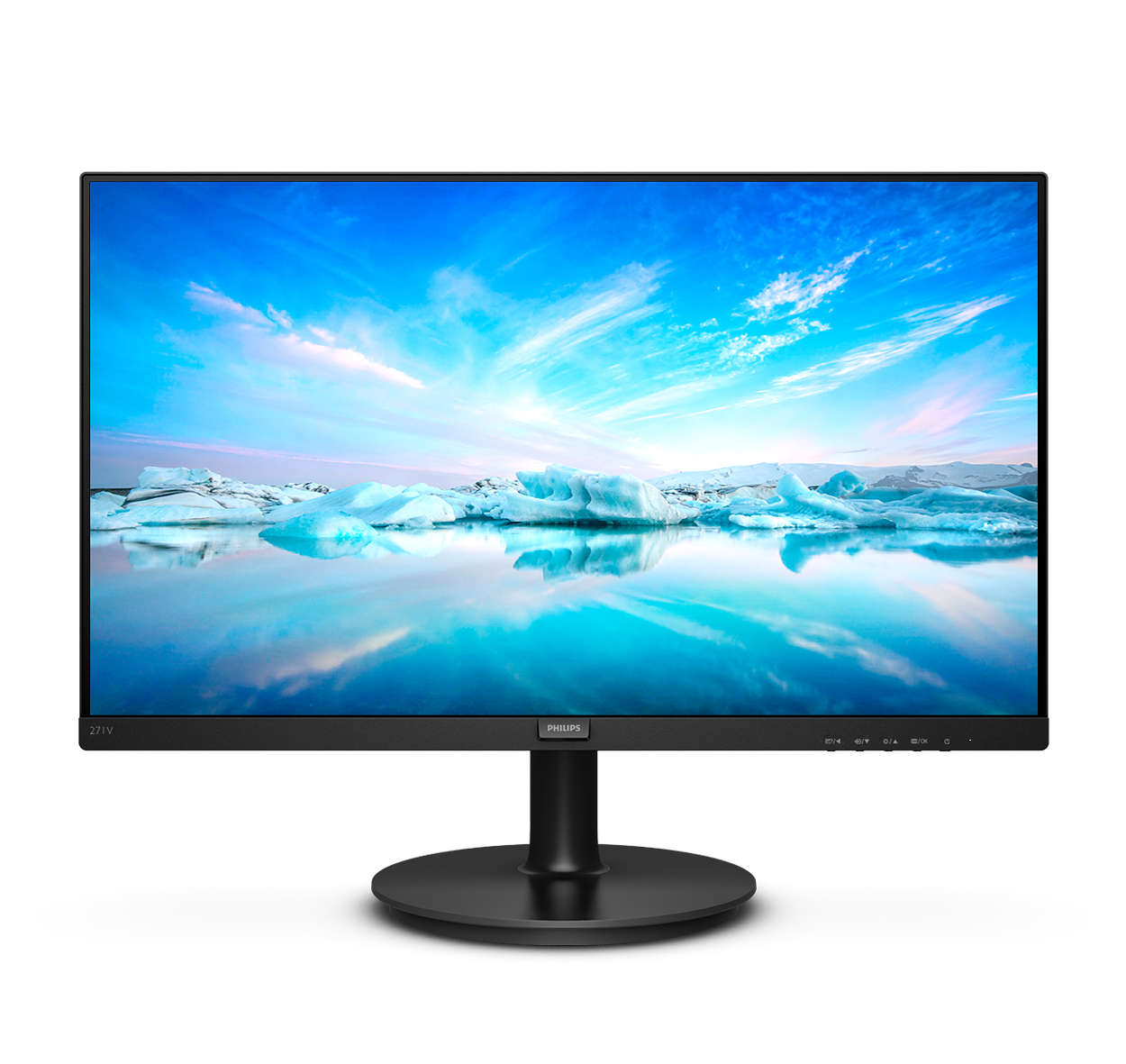 |
A computer monitor is an output device that displays information in pictorial or textual form. A discrete monitor comprises a visual display, support electronics, power supply, housing, electrical connectors, and external user controls. |
| KEYBOARD | 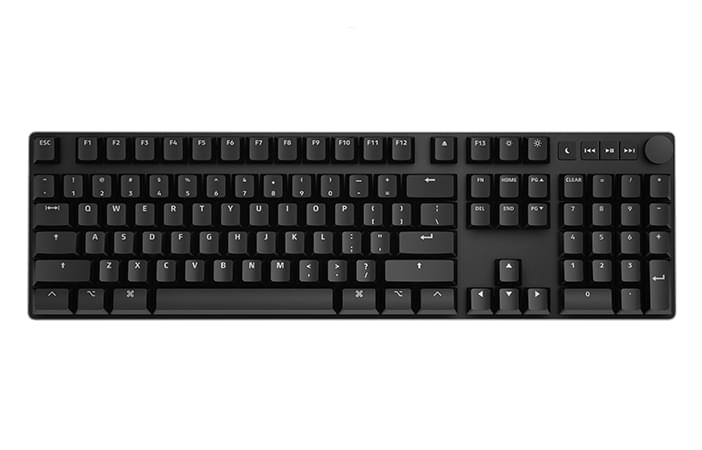 |
A keyboard's primary function is to act as an input device. Using a keyboard, a person can type a document, use keystroke shortcuts, access menus, play games and perform a variety of other tasks. |
| MOUSE | 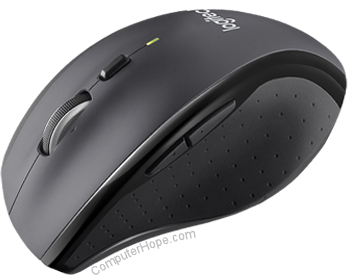 |
A computer mouse is a handheld hardware input device that controls a cursor in a GUI (graphical user interface) for pointing, moving and selecting text, icons, files, and folders on your computer. |
| SYSTEM UNIT/COMPUTER CASE. |  |
A system unit is the part of a computer that houses the primary devices that perform operations and produce results for complex calculations. It includes the motherboard, CPU, RAM and other components, as well as the case in which these devices are housed. |
| SPEAKER | A computer speaker is an output hardware device that connects to a computer to generate sound. The signal used to produce the sound that comes from a computer speaker is created by the computer's sound card. | |
| MOTHERBOARD |  |
The motherboard is the backbone that ties the computer's components together at one spot and allows them to talk to each other. Without it, none of the computer pieces, such as the CPU, GPU, or hard drive, could interact. |
| CPU |  |
The CPU is the brain of a computer, containing all the circuitry needed to process input, store data, and output results. The CPU is constantly following instructions of computer programs that tell it which data to process and how to process it. Without a CPU, we could not run programs on a computer. |
| EXPANSION BUS | 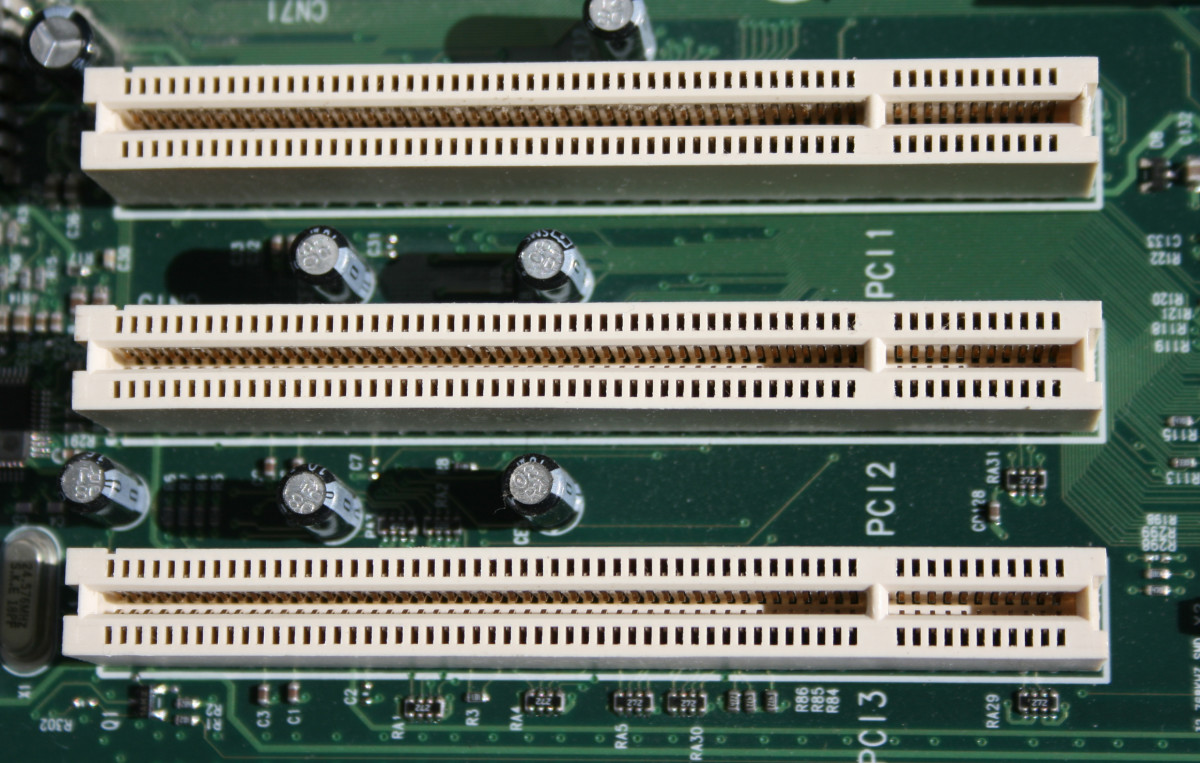 |
An expansion bus provides an input/output pathway for transferring information between internal hardware, such as RAM or the CPU, and expansion devices such as a graphics card or sound card. |
| MAIN MEMORY/MEMORY |  |
Main memory holds instructions and data when a program is executing, while auxiliary memory holds data and programs not currently in use and provides long-term storage. |
| ADAPTER |  |
An adapter in regard to computing can be either a hardware component (device) or software that allows two or more incompatible devices to be linked together for the purpose of transmitting and receiving data. |
| POWER SUPPLY UNIT | A power supply unit (PSU) converts mains AC to low-voltage regulated DC power for the internal components of a computer. Modern personal computers universally use switched-mode power supplies. Some power supplies have a manual switch for selecting input voltage, while others automatically adapt to the mains voltage. | |
| HARD DISK DRIVE | A computer hard drive (or a hard disk or HDD) is one kind of technology that stores the operating system, applications, and data files such a documents, pictures and music that your computer uses. The rest of the components in your computer work together to show you the applications and files stored on your hard drive. | |
| OPTICAL DRIVE |  |
An optical disc drive (ODD) in a computer system allows you to use CDs, DVDs, and Blu-ray discs to listen to music or watch a movie. Most drives also allow you to write data to a disc, so you can create your own music CDs, video DVDs or even create of back-up copy of your important data files. |
| CPU FAN AND HEAT SINK | 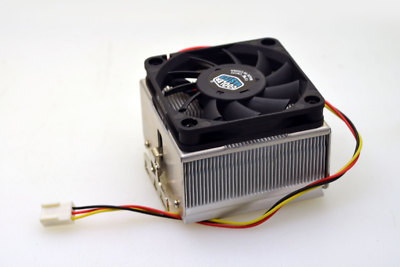 |
A heat sink and fan is often used in modern computer systems to keep the processor cool. Without it, the processor could easily overheat and become damaged. Therefore, this combination is often found in most low- to mid-range computer systems, and even in high-end notebooks. |
| EIDE | 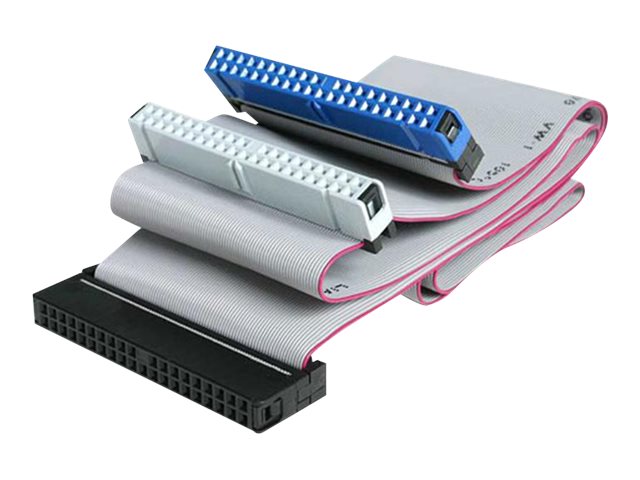 |
Enhanced integrated drive electronics (EIDE) is the hard drive interface that succeeded integrated device electronics (IDE), also known as ATA or ATA-1. The interface acts as an intermediary between the computer and a mass storage device. EIDE provides much faster transfer rates than IDE. |
| S-ATA DATA CABLE | 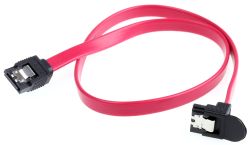 |
SATA data cables are used to connect storage devices to your computer's motherboard ("mobo") or SATA controller. |

Subscribe to:
Comments (Atom)
Ano nga ba ang ICT?
ICT SA MAKABAGONG MUNDO Sa mabilis na pag-unlad ng digital na paligid ngayon, ang Information and Communication Technology (ICT)...

-
ICT SA MAKABAGONG MUNDO Sa mabilis na pag-unlad ng digital na paligid ngayon, ang Information and Communication Technology (ICT)...
-
PARTS OF THE COMPUTER Name Image Function MONITOR A computer monitor is an output device th...

